
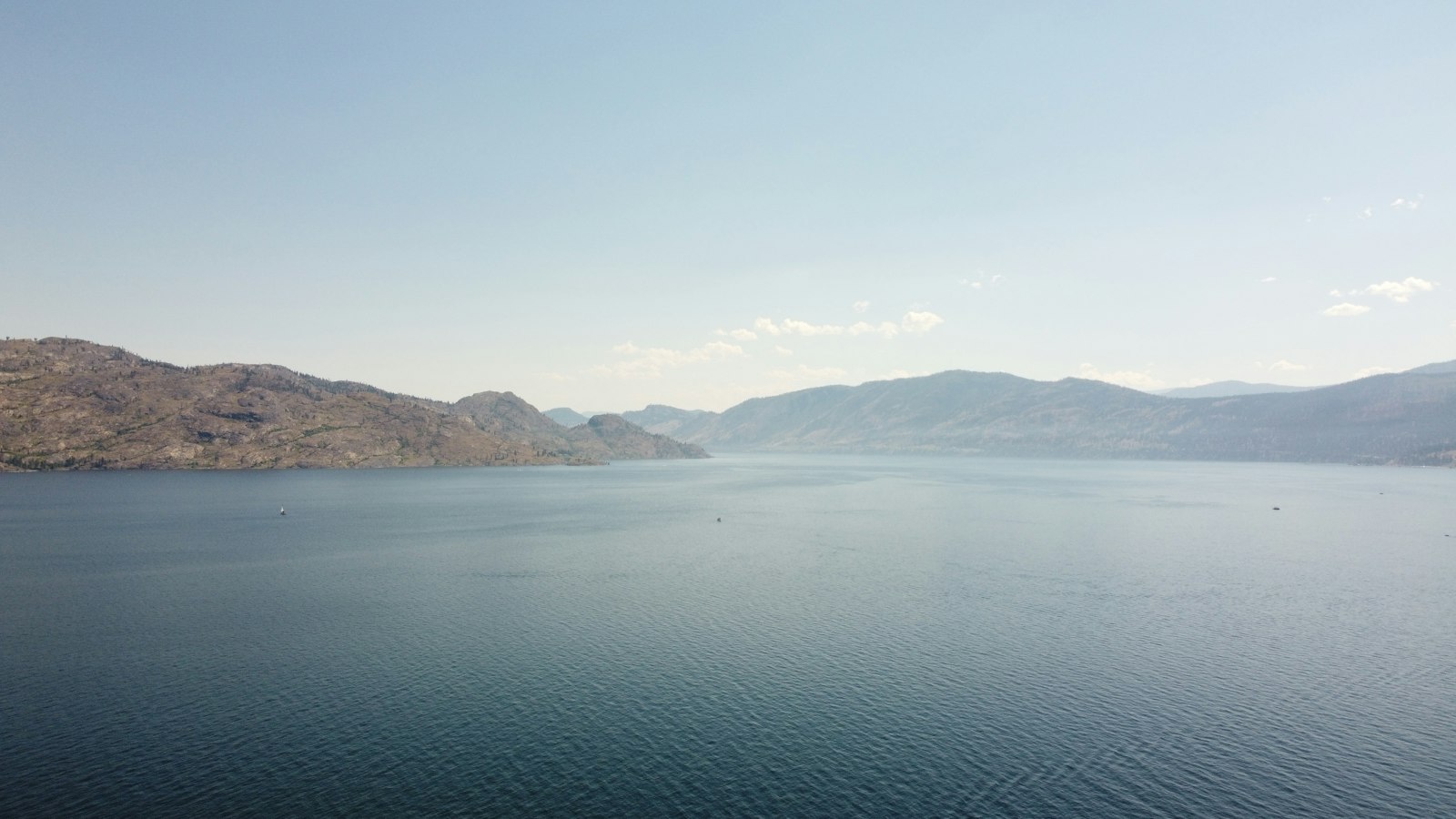
Google Business Profile for Peachland Waterfront Businesses

If your Peachland business sits on or near the waterfront, your Google Business Profile is often the first storefront people see. They look for hours, photos, parking clues, and whether you feel worth a stop. A half-finished profile sends them to the next pin on the map.
Waterfront spots compete with every other attractive stop on the lake. Your listing has to do quiet, reliable work: confirm you are open, show what the place looks like, and make the visit feel low risk. That is true for cafes, rentals, retail, and services that depend on summer foot traffic.
Get the core details right and keep them honest
Confirm your category, address, service area, and hours. If you close early in shoulder season, update the profile the same week. Peachland summer hours and winter hours are not the same for many waterfront spots. Google should match the sign on the door.
Use the same business name people use when they talk about you. Extra keywords jammed into the name look spammy and can get the listing filtered. If you have a suite, unit, or shared building entry, write it the way a first-time visitor would need it.
Write a description that helps a visitor decide
In a few short sentences, say what you offer, who it is for, and what makes the Peachland waterfront location useful. Mention patio seating, takeout, rentals, or lake views only if they are real. Skip filler about passion and excellence. A traveler choosing lunch or a local planning a walk wants facts.
If you take reservations, walk-ins, or both, say so. If kids, dogs, or groups change the experience, say that too when it is accurate. Clarity prevents bad fits and bad reviews.
Use photos the way customers use them
Upload clear shots of the exterior, the entry, the seating or retail floor, and a few signature products or dishes. Update photos when the season changes. Summer crowds and quiet winter mornings tell different stories. Fresh photos signal that the business is active.
Avoid heavy filters and stock images of generic beaches. People comparing Peachland options can tell. Include at least one photo that shows how to find the door from the street or path. That small detail reduces missed turns on busy days.
Treat reviews as weekly work, not a yearly panic
Reply to reviews with a short, human note. Thank people for specifics. If something went wrong, address it calmly without arguing in public. Ask regulars for reviews after a good visit, especially when they mention the waterfront setting or a product they loved.
- Accurate hours for every season
- Primary category that matches what you sell
- Photos of the real storefront and space
- Short replies to new reviews
- Posts when you have a real update worth sharing
Do not buy reviews or script fake praise. One honest paragraph from a real customer beats ten empty five-star lines.
Post when you have something useful to say
Use Google posts for temporary hours, seasonal menus, or event days that affect walk-in traffic. Do not post empty slogans. One clear update beats five vague ones. If a festival, road work, or weather change affects access to the Peachland waterfront, say it early.
Connect the profile to a website page that confirms the same details. When the two disagree, customers believe neither.
TWA Studio helps Peachland owners keep profiles accurate and useful so map search works as hard as the waterfront location.
Think about the questions a first-time Peachland visitor asks before they leave the car. Where do I park. Is the patio open. Do you take walk-ins. Are kids welcome. Your profile cannot answer every question in one paragraph, but your photos, attributes, and short posts can cover the ones that decide the stop.
Check the listing after storms, construction, or festival days that change access to the waterfront. A temporary note can save a bad review. When the disruption ends, remove the note the same day so the profile does not look stuck in an old problem.
Owners who share profile access with managers should agree on who updates hours and who replies to reviews. Split ownership without a plan creates gaps in July, which is exactly when Peachland waterfront traffic is hardest to recover if you look closed or careless.
About the author
Corryn Bamber
Founder and Lead Strategist, TWA Studio
Corryn is the Queen of SEO in the Okanagan (it says so right on her nametag). She's worked with small businesses since 2016, first painting murals and taking commissions, and for the last seven years helping Okanagan businesses get found on Google, picked by AI and booked by real customers. She runs TWA Studio from downtown Vernon, where the studio's two dogs keep her company on deadline days.
Keep reading
More from the blog
Google Business Profile
Reviews and Posts That Keep a Vernon Google Profile Active
A Vernon Google Business Profile stays useful when fresh reviews and short posts show the business is awake.

Google Business Profile
Google Business Profile for Osoyoos Seasonal Businesses
Seasonal Osoyoos businesses depend on Google Business Profile as much as they depend on warm weather. Visitors check…
Google Business Profile
Google Business Profile for Oliver Businesses
In Oliver, Google Business Profile often decides whether someone turns into your driveway, books a tasting, or calls…
Want help with this for your business? See how TWA Studio can help.