
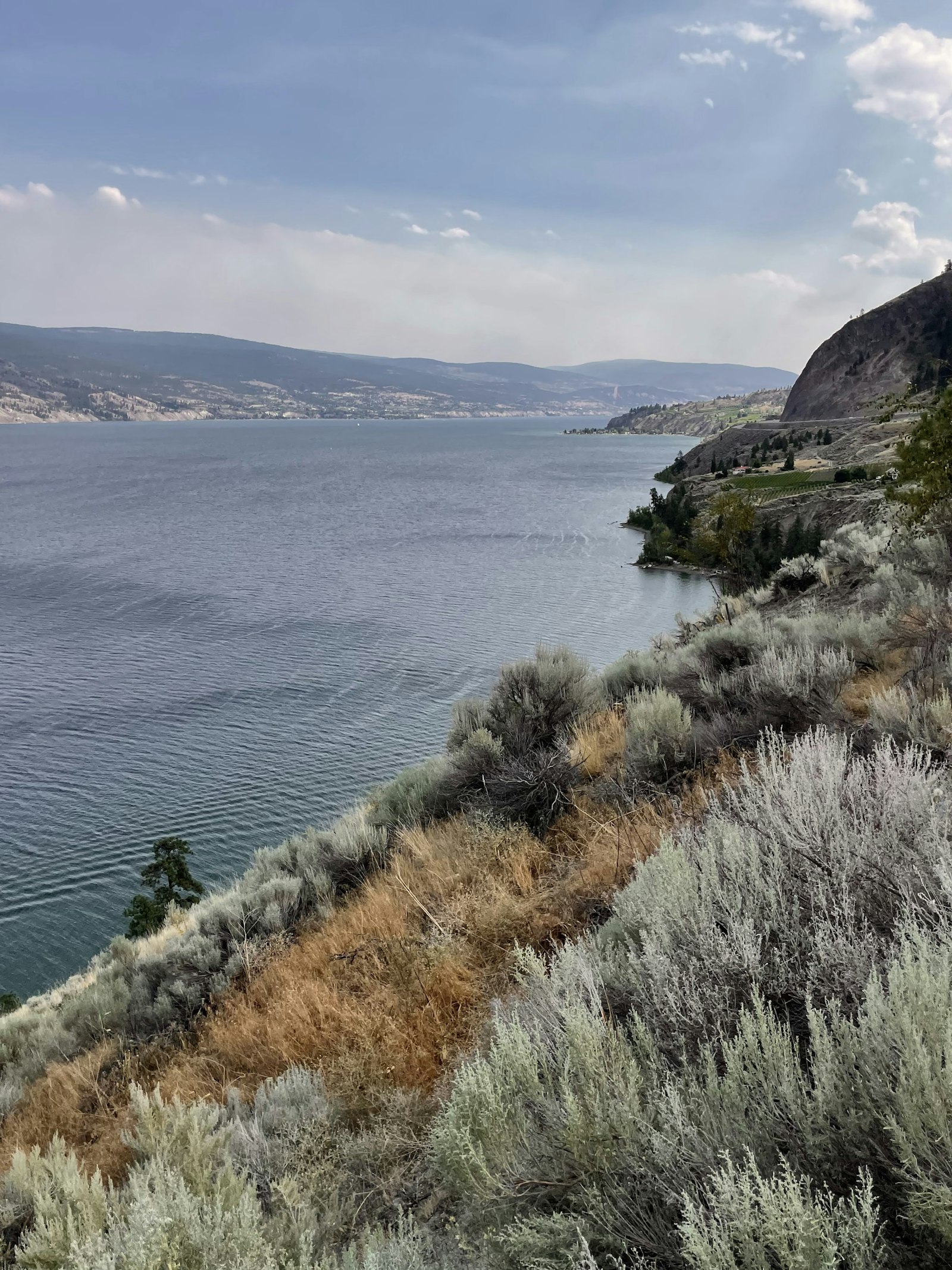
Google Business Profile Basics for Summerland Owners

For many Summerland owners, Google Business Profile does more daily work than the website. People check the map for hours, reviews, and whether you look open. Getting the basics right is not glamorous. It is how local customers find you between orchard season and quiet winter weeks.
A neglected listing creates quiet losses. Someone searches, sees old hours, and chooses another pin. Someone reads unanswered reviews and assumes you are too busy or too careless. The basics prevent that.
Claim, verify, and lock in the core fields
Make sure you control the listing. Set the primary category to what you actually sell. Add secondary categories only when they fit. Enter the address exactly as customers should navigate to it. If you are service-area based and hide the address, define the area honestly around Summerland and towns you truly cover.
Match your website footer and any printed materials. Mixed details make Google less confident and make customers less patient. If you recently moved or renamed a product line, update the profile the same week you update the site.
Keep hours tied to the real calendar
Summerland businesses often change hours with harvest, tourism, and weather. Update special hours before a long weekend or a closure. A profile that says open when the door is locked costs trust fast.
If you book by appointment only, say that in the profile and on the site so map users are not surprised. If walk-ins are welcome during peak months only, write it clearly instead of hoping people guess.
Write a short description people can use
Explain what you offer in Summerland, who you help, and what to expect on a first visit. Skip keyword piles. A clean paragraph beats a stuffed paragraph that reads like an ad from another decade.
Include one line about the kind of customer you serve well. Homeowners, visitors, farms, or downtown shops all look for different cues. Specifics help the right people choose you.
Add photos and products that reduce guesswork
Show the entrance, the team when appropriate, and the work or goods people buy. Update images through the year so the profile does not look stuck in last August. If you use product or service listings inside Google, keep prices and descriptions accurate.
- Correct category and contact paths
- Hours that match the door
- Fresh photos of the real place
- Review replies that sound human
- Occasional posts for real updates
Remove outdated photos that show old branding, closed rooms, or products you no longer carry. Old images create the wrong expectation before anyone walks in.
Build a simple review habit
Ask after a good job or a good visit. Make the ask easy. Reply to new reviews within a few days. Thank people for specifics. Handle complaints without a public fight. Over time, that rhythm helps Summerland customers trust the pin on the map.
Do not offer rewards for reviews in ways that break platform rules. A sincere ask after good work is enough for most local businesses.
TWA Studio helps owners set up and maintain profiles that support the website instead of fighting it.
Set a monthly reminder to open the profile and scan it the way a stranger would. Check the cover photo, the first three review replies, and the hours for the next long weekend. That ten-minute habit catches problems while they are still small. Summerland owners who wait until complaints pile up spend more time repairing trust than preventing confusion.
If you offer both products and services, make sure the profile does not hide the offer that pays best. Photos and posts can feature the revenue line you want to grow. Categories should still stay truthful. Stretching categories to chase unrelated searches usually backfires.
When staff changes, transfer profile ownership and documentation before someone leaves. Locked listings are a common local emergency and they always seem to happen at the worst moment in the season.
Book your consultation or see Summerland SEO and web design.
About the author
Corryn Bamber
Founder and Lead Strategist, TWA Studio
Corryn is the Queen of SEO in the Okanagan (it says so right on her nametag). She's worked with small businesses since 2016, first painting murals and taking commissions, and for the last seven years helping Okanagan businesses get found on Google, picked by AI and booked by real customers. She runs TWA Studio from downtown Vernon, where the studio's two dogs keep her company on deadline days.
Keep reading
More from the blog
Google Business Profile
Reviews and Posts That Keep a Vernon Google Profile Active
A Vernon Google Business Profile stays useful when fresh reviews and short posts show the business is awake.

Google Business Profile
Google Business Profile for Osoyoos Seasonal Businesses
Seasonal Osoyoos businesses depend on Google Business Profile as much as they depend on warm weather. Visitors check…

Google Business Profile
Google Business Profile for Oliver Businesses
In Oliver, Google Business Profile often decides whether someone turns into your driveway, books a tasting, or calls…
Want help with this for your business? See how TWA Studio can help.